Building Your U-Shaped Workspace: What a Desk Bridge Actually Offers
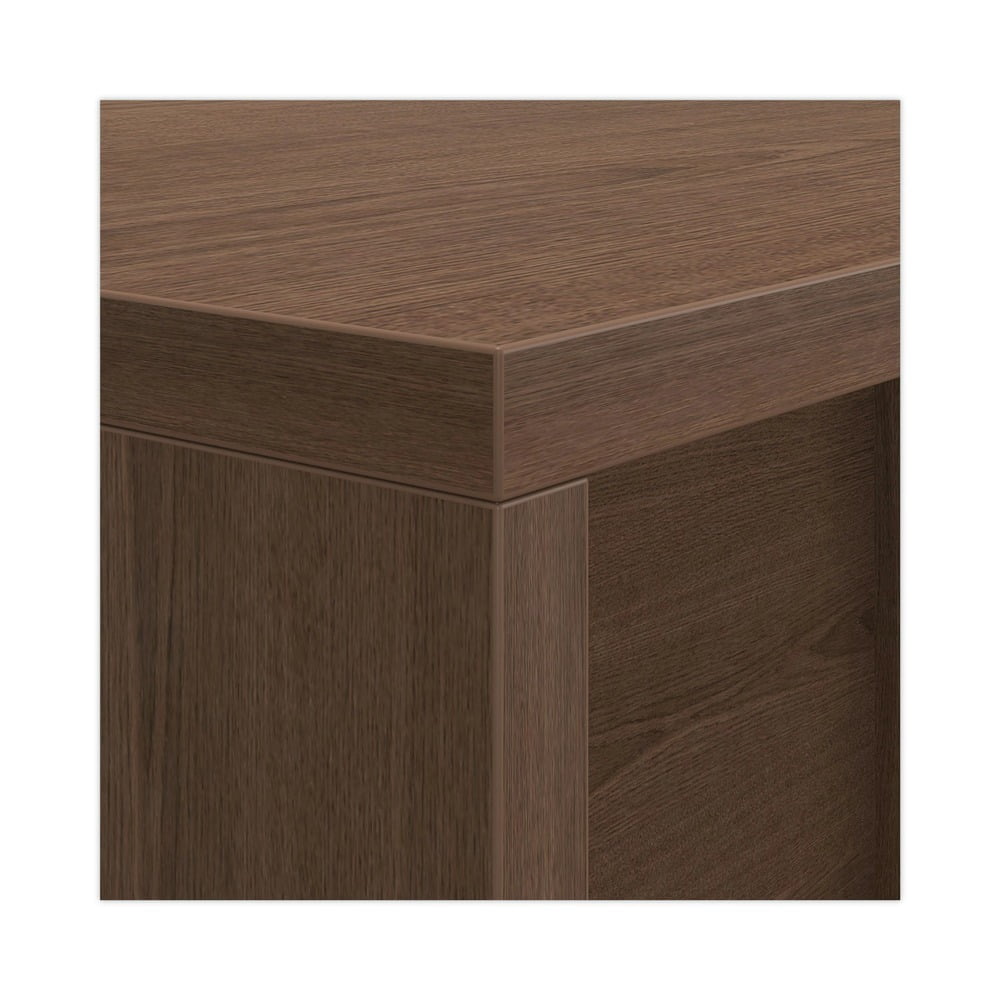
Setting up a workspace for a teen or adult requires careful thought about desk configuration and how pieces work together. A bridge component creates the wraparound surface that many students and professionals need, but you'll want to understand exactly what it offers before committing. Working through the practical details now—dimensions, materials, installation—will help you make the right choice for your specific space.
Contents
Understanding What a Desk Bridge Does
 A desk bridge serves as the connecting piece that transforms a simple desk setup into an expansive U-shaped workstation, providing the wraparound surface area ideal for complex projects and multitasking. This HON bridge measures 42 inches wide and 24 inches deep, designed to sit perpendicular to your main desk shell and credenza to create a functional U configuration. When combined properly with those components, these three modular pieces create additional work surface and storage capacity without requiring you to replace your entire furniture setup. The bridge's non-handed design means it works equally well on either the left or right side, giving you flexibility in how you arrange your workspace. The sepia walnut laminate finish matches other HON Mod elements, allowing you to maintain visual consistency across your entire desk system. Understanding what a bridge does helps you decide whether this modular approach fits your needs better than a traditional single-piece desk. Many people choose bridge setups because they can be reconfigured later as workspace demands change over time. The durable laminate surface handles everyday use in both teen study areas and adult home offices. Assembly isn't required, so you're ready to start using your workspace immediately after positioning the bridge.
Measuring and Planning Your Space
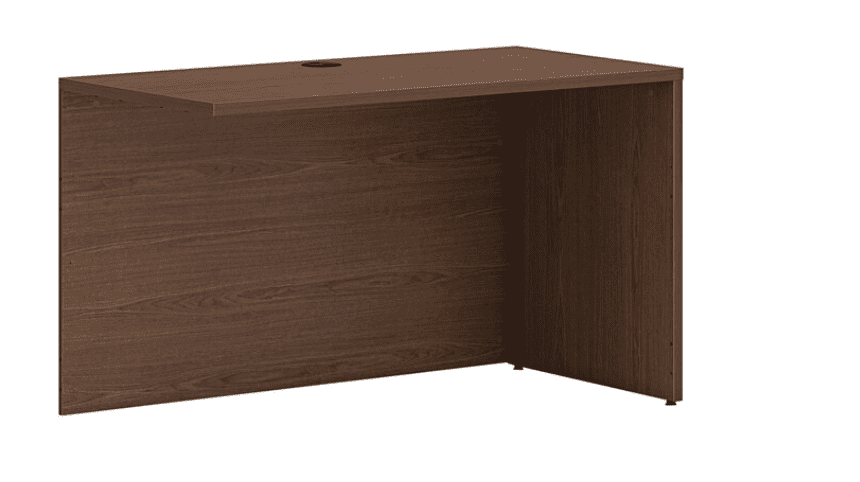 Before you order a desk bridge, you need to understand what 42 inches wide and 24 inches deep actually means for your available floor space and work surface. The 42-inch width matches a standard desk shell size, making it proportionate when positioned perpendicular to your other components. The 24-inch depth extends into your room by about two feet, which is a significant distance to account for when planning your overall U-workstation footprint. You'll want to measure the corner area where the bridge will connect, ensuring you have enough clearance for the bridge to sit at the proper angle without blocking walkways or creating awkward geometry in your room. The 29-inch height is standard desk height, positioning your work surface comfortably for sitting, but you should verify this works with your current chair before committing to the bridge. Keep in mind that this height isn't adjustable, so if you already have furniture at different heights, the bridge may look or feel misaligned. Measuring the wall space where the bridge will be mounted is equally important, as you need room for cables, power strips, and any storage items you plan to use around the desk area. The weight of 46 pounds means the bridge provides stability without being so heavy that two people can't position it if needed. Taking accurate measurements now prevents the frustration of receiving a piece that doesn't fit your actual room layout.
We may earn a commission from purchases made through this link. Price and availability are not tracked on this site.
Placement Strategies for Your Workspace
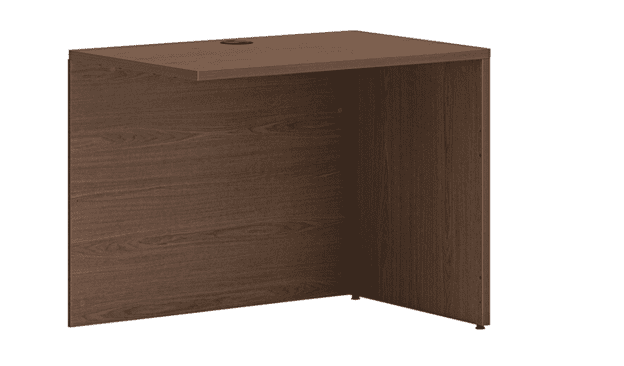 Your desk bridge should be positioned thoughtfully within your workspace to maximize both functionality and aesthetic appeal. Unlike a standard desk that serves as your primary work surface, the bridge connects two other pieces and creates the wings of your U-shaped system. Position it perpendicular to your main desk shell, considering how you'll move between components and access all three surfaces during your typical workflow. Think about traffic patterns in the room—doorways, hallway access, and paths people naturally take should remain clear even with the bridge installed. The sepia walnut finish will be most visible from certain angles, so plan your positioning with sightlines in mind from where you'll spend most of your time. If this is a teen study area, consider whether the U-configuration will feel enclosed or claustrophobic, or whether it will provide the focused environment that helps concentration. Adults working from home often appreciate how a U-shaped setup creates separation between different task zones without requiring a larger footprint than other configurations. The bridge works equally well serving as a reference surface for books and materials, a secondary monitor platform, or additional storage staging area depending on your specific workflow needs. Once positioned, the non-handed design means you're not locked into one configuration—you can reconfigure your entire system if your needs change in the future.
Maintaining Your Laminate Surface
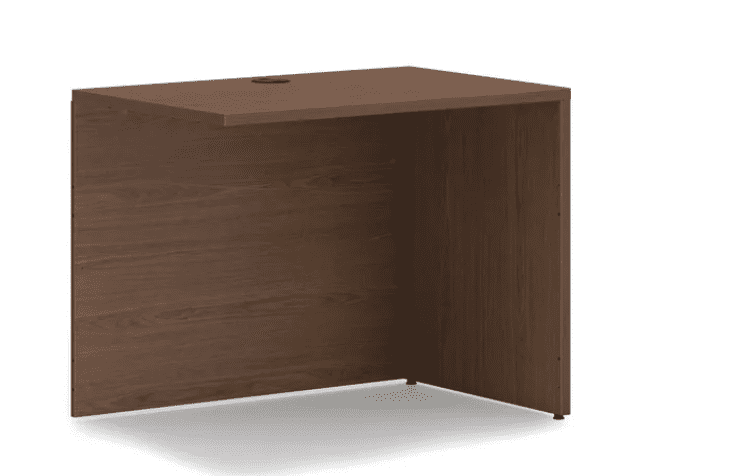 The laminate surface on this bridge is both a practical material and a commitment to how you'll maintain your workspace long-term. Laminate is easy to clean, requiring only a soft cloth and mild cleaner to handle spills, dust, and the general grime that accumulates on work surfaces over time. You won't need special wood oils, polishes, or treatments—just wipe down the surface regularly to keep the sepia walnut finish looking fresh and maintain its attractive appearance throughout the years. Because it's laminate rather than solid wood, the bridge is resistant to minor scratches and everyday wear from pens, papers, keyboard use, and typical desktop activity. Protect the surface from excessive heat, standing water, and harsh chemicals, which can damage the laminate's integrity and create permanent marks or edge separation. Plan to occasionally inspect the edges and corners where the laminate meets the base structure, as these joints are the most vulnerable areas to moisture penetration and damage. If you're using the bridge to hold equipment like monitors or lamps, distribute the weight evenly rather than loading everything onto one corner to prevent uneven stress and wear. The 46-pound weight of the assembled bridge speaks to its solid construction, contributing to stability and longevity in your workspace. Proper care and thoughtful use will keep your bridge functioning well through multiple workspace configurations and room updates over many years.
Before deciding whether this bridge works for you, verify that your space can accommodate the 42-inch width and 24-inch depth without disrupting traffic flow. Check that the fixed 29-inch height matches your comfort needs with your current seating. Consider whether sepia walnut coordinates with your existing furniture and decor. Evaluate whether a U-shaped configuration actually suits your typical work patterns. Taking time with these measurements and decisions now prevents the frustration of receiving something that doesn't work with your actual room and workflow.